
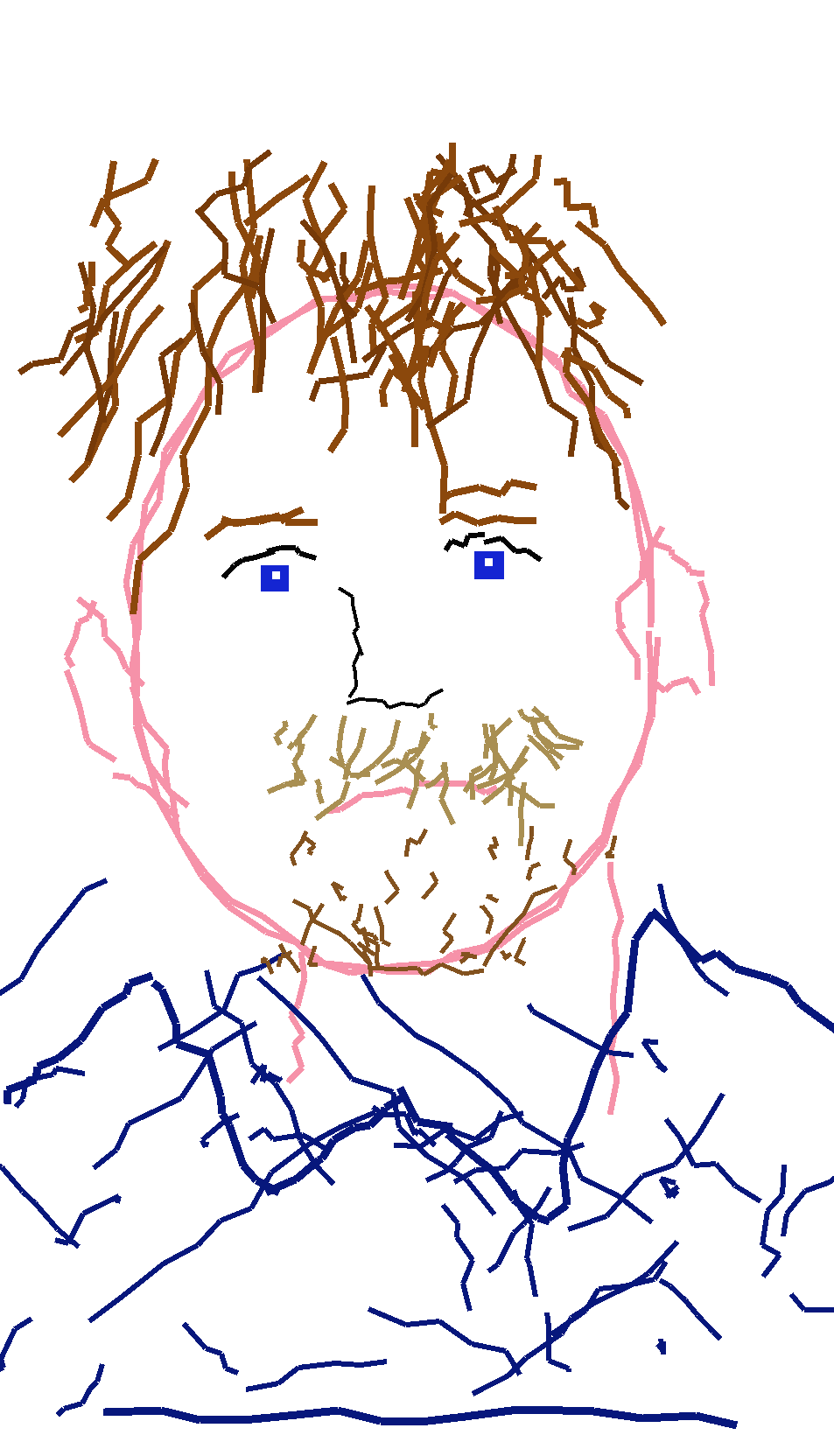
Submitted Portrait Reference
Image 2 is the original reference. Image 1 is the intentionally clumsy mouse-drawn MS Paint redraw: vaguely similar, plainly wrong, and awkward on purpose.
 Mspaintify
Drop in a clear reference image. The output keeps the subject loosely recognizable, but redraws it as a clumsy MS Paint mouse sketch on a plain white background.
Supports PNG, JPG, WebP up to 24MB
Choose square, landscape, or vertical framing. The sketch stays white-background, rough, and mouse-drawn at every ratio.
Original references paired with the awkward white-background redraw style the site is actually built around.
Image 2 is the original reference. Image 1 is the intentionally clumsy mouse-drawn MS Paint redraw: vaguely similar, plainly wrong, and awkward on purpose.

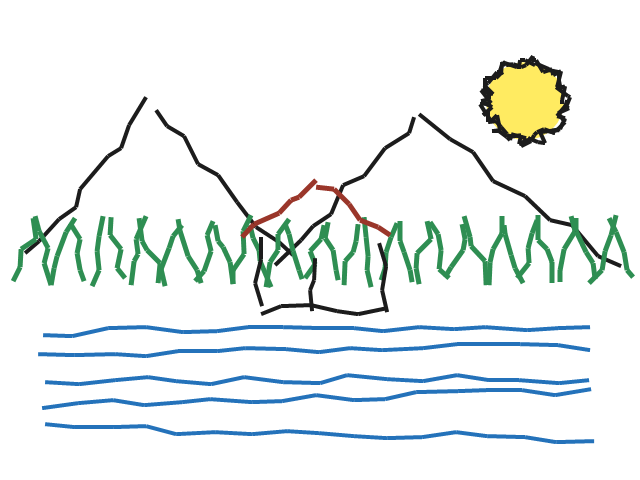
A normal scene becomes a rough white-background drawing with shaky lines and childlike structure.
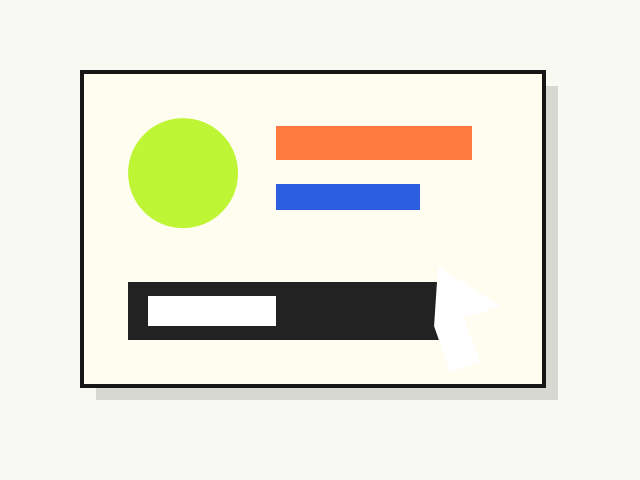
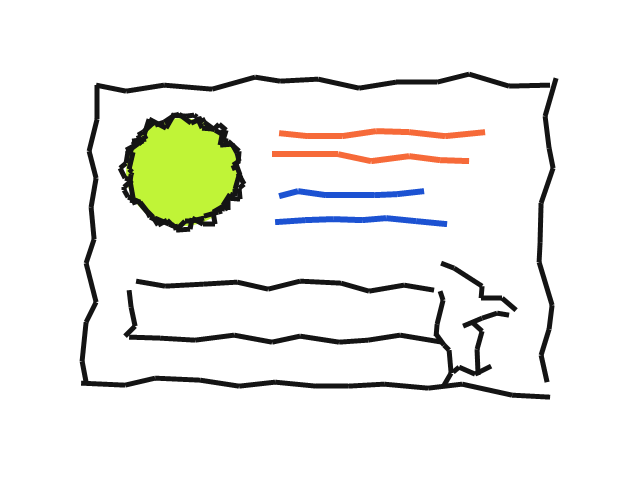
A clean visual is redrawn as if someone tried to copy it with a mouse and gave up halfway through.
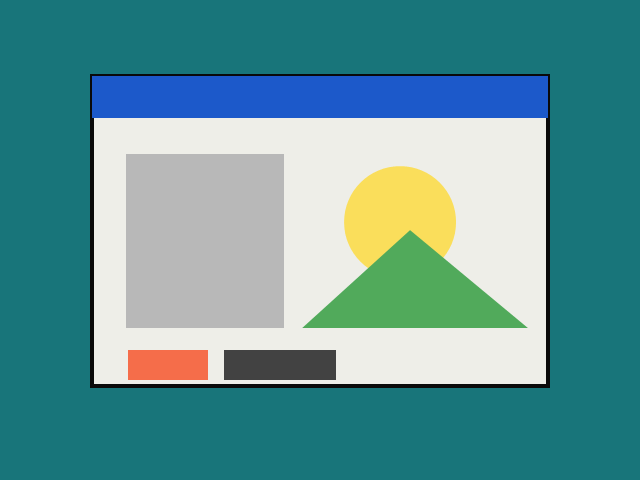
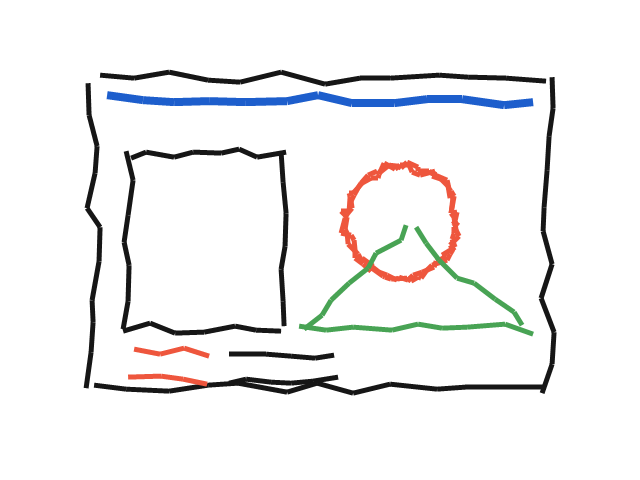
A UI-like scene turns into a jagged, off-model drawing that feels made in old Paint with no patience.
OriginalBad redrawOriginalMouse sketchPurpose-built for one thing: awkward MS Paint mouse redraws that look low-effort, funny, and intentionally bad.
Pay-as-you-go credits or a subscription. Every plan unlocks the same bad MS Paint redraw engine.
Start making awkward mouse drawings.
Includes:
Best value for regular meme makers.
Includes:
For teams producing lots of intentionally bad redraws.
Includes:
Common questions about how it works, what it costs, and what you can do with the output.
Upload a reference image, click Generate, and the backend uses the fixed style prompt: "Redraw the attached image in the most clumsy, scribbly, and utterly pathetic way possible. Use a white background, and make it look like it was drawn in MS Paint with a mouse." The result is a rough white-background redraw, not a polished illustration.
Yes. New accounts get free credits so you can test the bad drawing style before buying more credits or subscribing.
Yes. You own the images you create with Mspaintify and can use them in posts, marketing, stickers, games, decks, and other projects.
Use clear images with one obvious subject. Faces, objects, screenshots, and simple scenes usually produce the funniest awkward redraws.
Uploaded images are used to create your redraw and show your history. Do not upload private or sensitive images you do not want processed.
No. The site is about bad MS Paint mouse drawings. The result may feel low-quality and pixel-by-pixel, but it is not meant to be clean pixel art.